


-
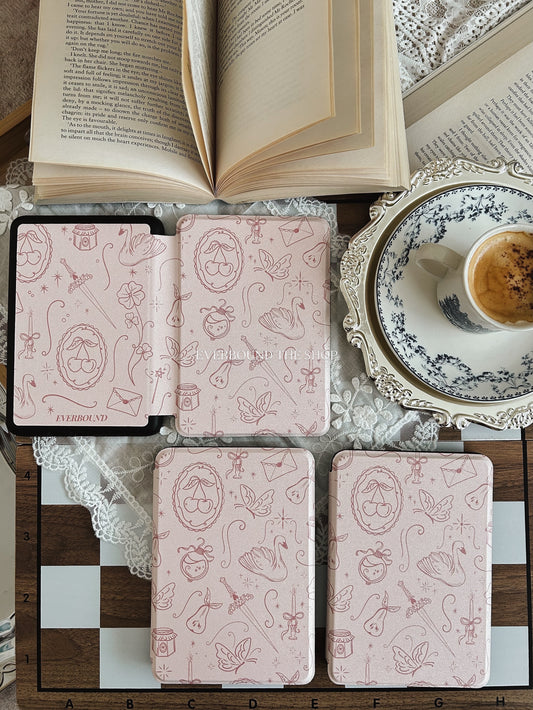
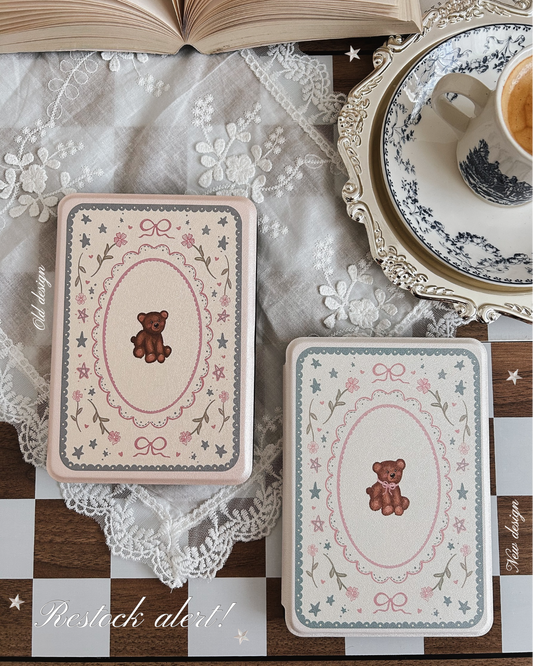
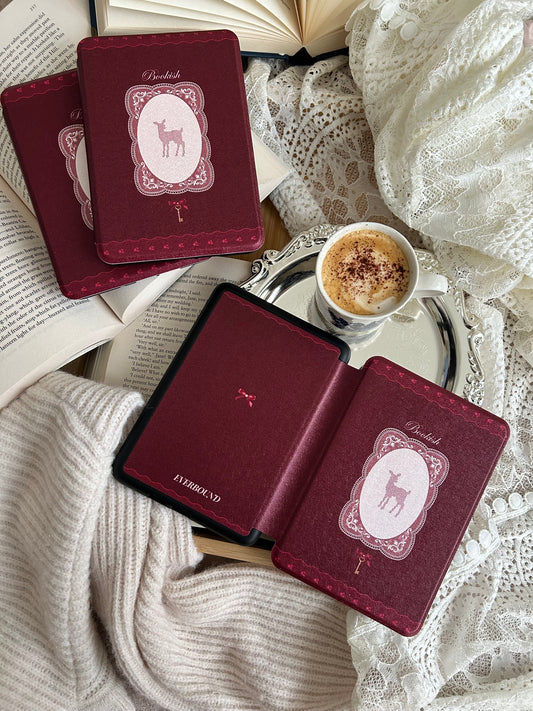
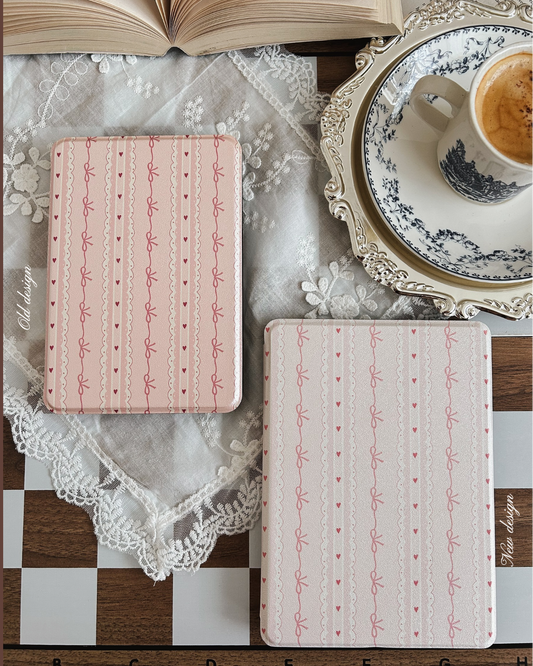
Elora Kindle Case
Regular price $50.00 AUDRegular priceUnit price per -
Mabel Kindle Case
Regular price $50.00 AUDRegular priceUnit price per -
Rosetta Kindle Case
Regular price $50.00 AUDRegular priceUnit price per -
Camellia Kindle Case
Regular price $50.00 AUDRegular priceUnit price per -
Lacey Kindle Case
Regular price $50.00 AUDRegular priceUnit price per -
Adella Kindle Case
Regular price $50.00 AUDRegular priceUnit price per






Everbound The Shop 𐙚

-
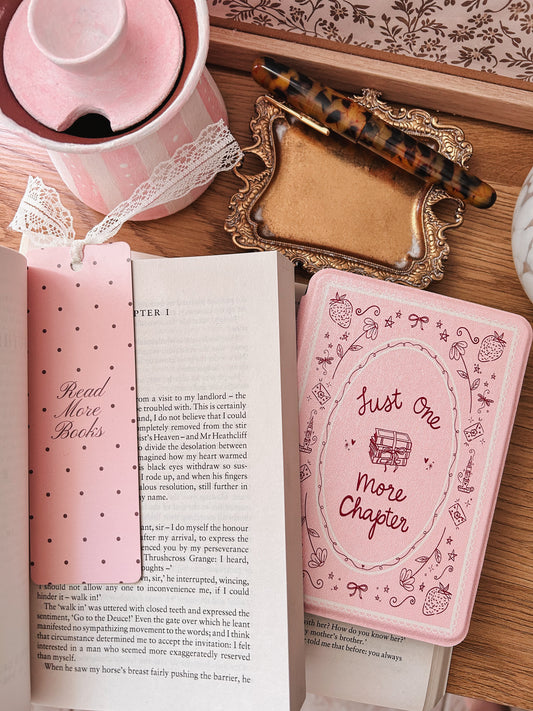
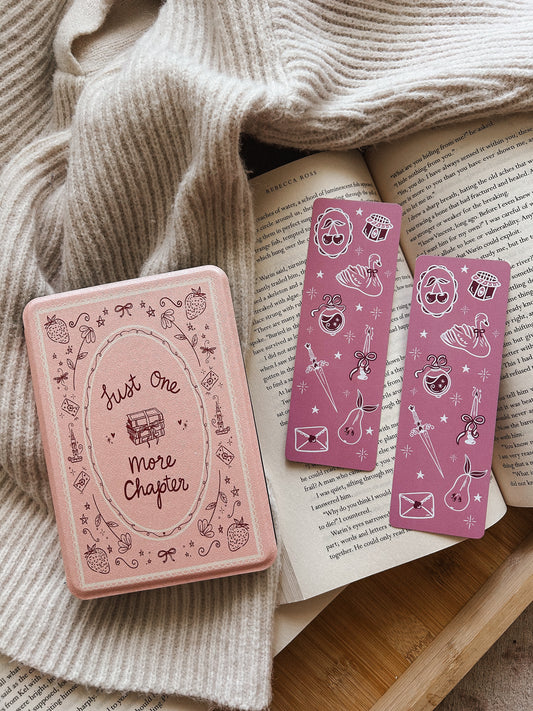
Isadora Bookmark
Regular price $6.40 AUDRegular priceUnit price per -
Rosetta Bookmark
Regular price $6.40 AUDRegular priceUnit price per -
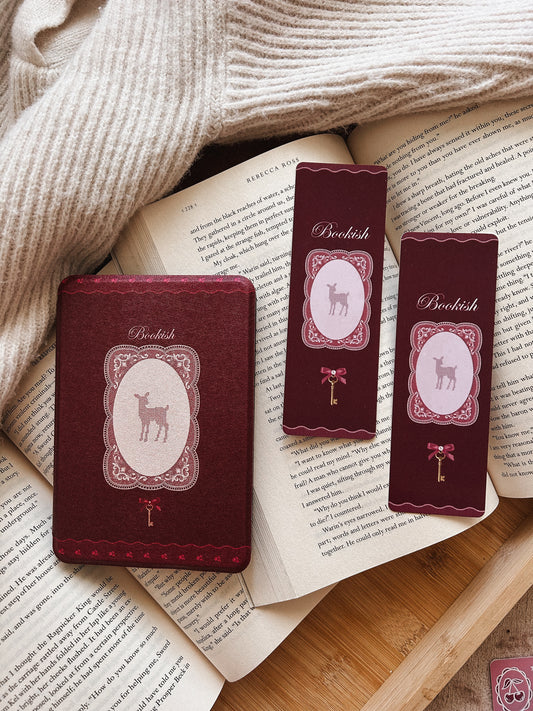
Bookish Bear Bookmark
Regular price $5.00 AUDRegular priceUnit price per$6.30 AUDSale price $5.00 AUDSale -
Always Reading Bookmark
Regular price $6.30 AUDRegular priceUnit price per




Before you fall in love with a case...let's make sure it fits!

How to Find Your Kindle Model:
- Open your Kindle and tap Settings
- Go to Device Options
- Tap Device Info
- Look for your Model Name or Generation (e.g. Kindle 11th Gen, Paperwhite 12th Gen)
You can also check the box your Kindle came in — the generation is often listed near the bottom 💫
💗 Note: The Kindle (11th Gen) — also called the Kindle Basic — has a 6” screen.
The Paperwhite (11th Gen) is slightly larger at 6.8”.
Both are 11th Gen but different sizes, so be sure to check your model before ordering!


Your next chapter deserves a dreamy case 💌


Your story, but make it whimsical.


